Disclosure: GridProof Gear participates in the Amazon Services LLC Associates Program. As an Amazon Associate, we earn from qualifying purchases.
When the power goes out, your router shuts off. Your phone and laptop may still have battery, but without WiFi, you can’t work, check security cameras, or make video calls. Cellular data might work, but it’s slower, unreliable indoors, and can burn through your data plan fast.
Losing internet during an outage disrupts remote work, disconnects smart home devices, and makes it harder to stay in touch with family. You lose access to cloud files, home security monitoring, and streaming entertainment while you wait for power to return.
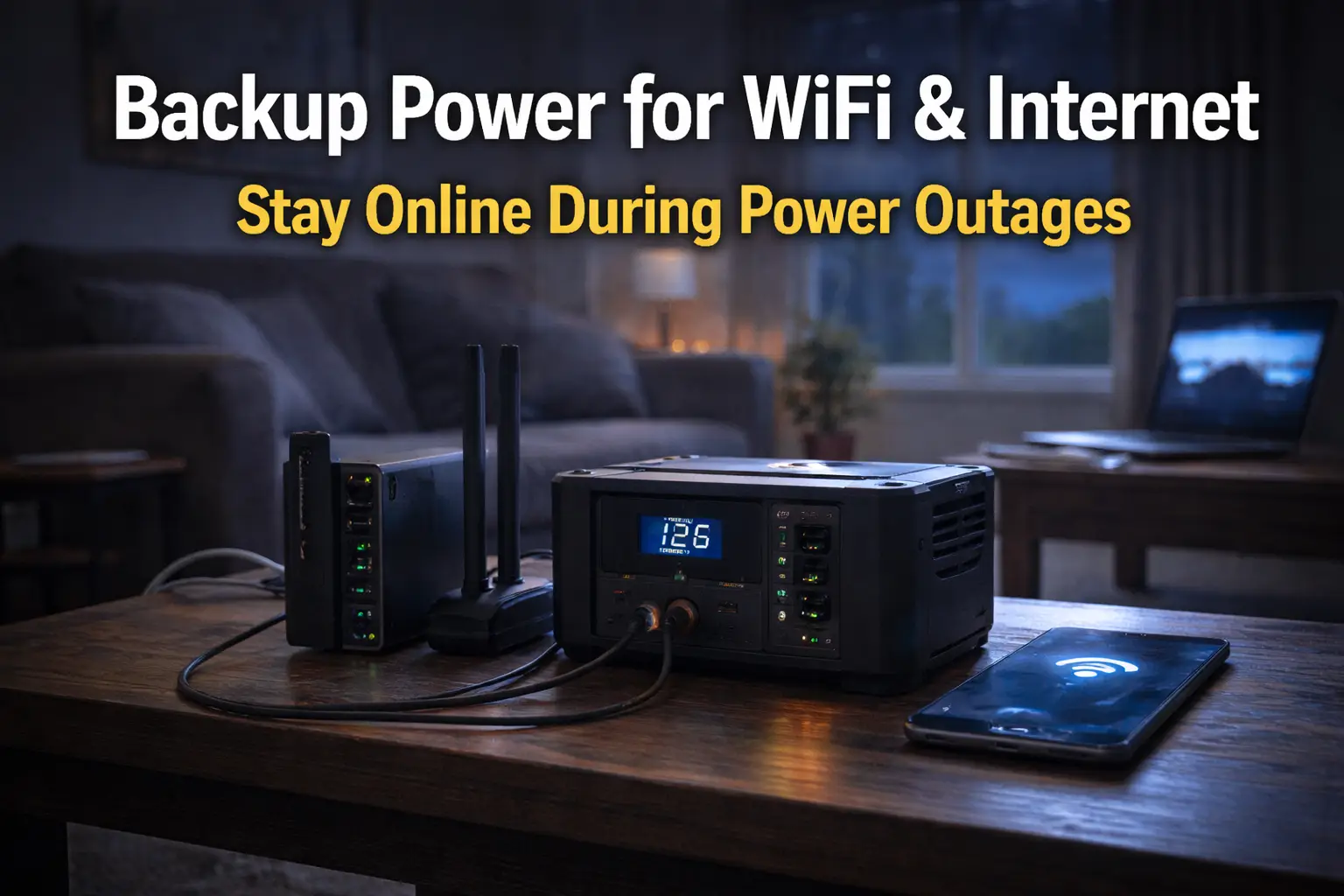
This guide explains simple, indoor-safe ways to keep your WiFi and internet equipment running during power outages using backup batteries and power stations. You’ll learn how much power your router needs, which backup options work best, and how to avoid mistakes that waste money or create safety risks.
Why WiFi and Internet Go Down During Power Outages
Your home network relies on several powered devices, and your internet service provider’s equipment also needs electricity. Even if your ISP’s infrastructure stays online, your modem and router won’t work without power.
Modem Vs Router Vs ISP Infrastructure
Your modem connects your home to your ISP’s network, while your router creates the WiFi network for your devices. Both plug into wall outlets and stop working immediately during a power outage.
If you have fiber internet, you also have an ONT (Optical Network Terminal). This device converts the fiber signal into an internet connection for your modem. The ONT also needs power, usually from a wall outlet.
Your ISP maintains neighborhood equipment like cable nodes, fiber hubs, and cell towers for mobile internet. Many of these use battery backup or generators, so your ISP’s infrastructure often stays online during outages.
The real issue is your home equipment. Without power to your modem, router, and ONT, you can’t access the internet even if your ISP’s network is still working.
Why Generators Are Usually Unnecessary For Internet
Your modem typically uses 6–12 watts, and your router uses about 5–15 watts, and an ONT uses about 5-20 watts. Altogether, your network setup needs roughly 15-45 watts.
A small battery backup can power these devices for hours. You don’t need a large generator to keep your internet running during an outage. Battery solutions are quieter, safe for indoor use, and easy to set up. Generators are better reserved for high-draw appliances like refrigerators or air conditioning. For internet access alone, they’re unnecessary. The low power needs of networking equipment make battery backup the practical choice.
How Much Power WiFi Equipment Actually Uses
WiFi equipment uses little power—typically between 5 and 30 watts for most home setups. This low consumption makes it much easier to keep your internet running during outages compared to powering major appliances.
Router Power Consumption
Most home routers use 5-15 watts. Basic single-band routers use about 5-8 watts, while dual-band and tri-band models with more features use 10-15 watts.
High-performance gaming routers may use 15-20 watts due to extra processors and cooling. Check the power adapter for exact wattage. For example, a 12V 1A adapter equals 12 watts.
Your router draws this power constantly, 24/7, since it stays on all the time. This steady, low draw makes WiFi equipment ideal for battery backup solutions.
Modem And ONT Power Needs
Cable modems typically use 6-12 watts. DOCSIS 3.0 modems use about 6-8 watts, while DOCSIS 3.1 models use 8-12 watts. DSL modems use 7-10 watts. Fiber internet requires an ONT, which draws 5-15 watts depending on the model.
Combined modem-router units use 15-25 watts since they perform both functions. These combo devices may use less power than running separate units, but not always.
Mesh Systems And Extenders
Mesh WiFi systems use more power because you have multiple nodes. Each mesh node typically draws 5-12 watts.
A three-node system uses about 15-36 watts total. Most popular mesh systems fall in the middle, with nodes using about 8–10 watts each.
WiFi extenders and repeaters use 3-8 watts each. These devices use less power than full mesh nodes due to fewer features and less processing power.
If you run a mesh system with three nodes plus a modem, your entire network setup might use 30-45 watts—still less than a standard light bulb.
The right solution depends on whether you need minutes, hours, or a full day of internet access.
Backup Power Options For WiFi And Internet
You have three main ways to keep your WiFi running during power outages: UPS systems for brief interruptions, battery power stations for longer downtime, and generators for situations where the first two options aren’t enough.
UPS Systems (Best Fit For Short Outages)
A UPS (Uninterruptible Power Supply) provides instant backup power when electricity goes out. It sits between your wall outlet and your equipment, switching to battery power in milliseconds.
Most home routers need 12-20 watts. A basic 600VA UPS can often keep a router and modem running for roughly 2–4 hours, depending on load and battery condition.
Key benefits of UPS systems:
- Instant power switching with no interruption
- Built-in surge protection
- Compact size fits near your router
- Affordable, starting around $50-80
Plug UPS units into your wall outlet, then connect your router, modem, and any network switches to the UPS. The battery charges automatically while power is on.
Check runtime specifications before buying. A 600-900VA unit works for basic setups. Choose 1000VA or higher if you want to power additional devices like a desktop computer.
Battery Power Stations For Longer Outages
Battery power stations (also called portable power stations) handle outages lasting several hours to days. These rechargeable lithium batteries have multiple outlets and can power your network equipment and other devices.
A 300–500 watt-hour station can keep a router and modem running for roughly 24–48 hours, depending on inverter efficiency and connected devices.
What makes battery stations useful:
- Longer runtime than UPS systems
- Multiple AC outlets and USB ports
- Portable and easy to move
- Recharge from wall outlets or solar panels
These stations cost more than UPS systems, typically $200-600 depending on capacity. They also work for camping, outdoor work, or charging phones and laptops during outages.
Choose stations with pure sine wave output to protect sensitive electronics. Models with pass-through charging let you keep devices plugged in during normal times while the station stays charged.
When Generators Make Sense
Generators are rarely necessary just for WiFi and internet backup. Your network equipment uses so little power that buying and maintaining a generator isn’t cost-effective.
A gas generator can produce thousands of watts, but your router needs only about 15 watts. Running a large, loud machine at minimal capacity just to power a small device doesn’t make sense.
Generators also pose safety risks. They produce carbon monoxide, must run outdoors, need fuel storage, and require regular maintenance.
Consider a generator only if:
- You already own one for other purposes
- You need to power many household items
- Outages in your area last multiple days regularly
- You have a safe outdoor setup with proper extension cords
For WiFi backup alone, use a UPS or battery station. They’re safer, quieter, and more affordable to own and operate.
Best Backup Power Solutions For WiFi
A UPS offers instant switching for short outages, while a battery power station provides longer runtime when the power stays out for hours.
Best UPS For Modem And Router
The APC Back-UPS BE600M1 is a top choice for keeping your modem and router online during brief power failures. It provides 600VA of power, more than enough for typical home networking equipment that uses 20-50 watts combined.
You get about 3-4 hours of runtime with a standard modem and router setup. The UPS switches to battery power in less than 10 milliseconds, so your devices stay connected without interruption.
Key features include:
- 7 outlets (5 battery backup, 2 surge protection only)
- Automatic voltage regulation
- Compact design that fits near your router
- USB port for phone charging during outages
This model works well indoors since it produces no fumes and only a quiet hum. Setup takes less than 5 minutes—just plug it in, connect your networking gear, and you’re protected.
Best Battery Power Station For Extended Outages
The Jackery Explorer 240D handles longer power outages that last 8-24 hours. This portable battery station holds 240 watt-hours of energy and can often power a modem and router for up to ~12–16 hours in typical setups on a single charge.
Unlike a UPS, you need to manually plug your devices into the power station when the electricity goes out. It’s completely silent and safe to use indoors with no ventilation needed.
What makes it stand out:
- 200-watt AC outlet for standard plugs
- USB ports for charging phones and tablets
- LCD display shows remaining battery life
- Recharges fully in 5-6 hours when power returns
The unit weighs only 6.6 pounds, so you can easily move it wherever you need backup power. It’s also useful for camping or outdoor work away from outlets.
How Long WiFi Can Stay Online During A Power Outage
Your WiFi router backup runtime depends on the battery capacity you choose and your equipment’s power draw. Most setups can run between 2 to 12 hours on backup power.
Typical Runtime Expectations
A standard WiFi router uses 5 to 20 watts of power. Adding a modem brings total usage to 10 to 30 watts for your internet setup.
A 600Wh battery power station can run a 15-watt router and modem for about 35 to 40 hours. A 300Wh unit provides 17 to 20 hours. Connecting more devices reduces these runtimes.
UPS units provide shorter runtimes. A 425VA UPS keeps your router online for 2 to 4 hours. A 1000VA model extends that to 4 to 8 hours for both router and modem.
Your actual WiFi runtime during a power outage depends on:
- Equipment power draw – Older routers use more watts than newer models
- Battery condition – Older batteries hold less charge
- Connected device count – Each extra device reduces runtime
ISP And Neighborhood Dependency Caveat
Your backup power only works if your internet service provider stays online. If your neighborhood loses power, ISP equipment on poles and in junction boxes also loses power.
Many cable and fiber providers install backup batteries at local nodes. These usually last 2 to 8 hours. Once those batteries are depleted, your internet stops working even if your router remains powered.
DSL and fiber connections often stay active during outages longer than cable internet. Once ISP equipment loses power, a cellular hotspot is often the only remaining option.
Common WiFi Backup Power Mistakes
Many people spend money on backup systems that don’t meet their needs or buy equipment that’s too powerful.
Oversizing Generators
You don’t need a large generator to keep your router and modem running during a power outage. Most WiFi routers use 5-20 watts, and most modems use 2-15 watts. Your entire setup likely uses less than 35 watts combined.
Some people buy 1000-watt or larger portable generators, thinking bigger is better. Large generators cost more upfront, burn through fuel quickly, and produce dangerous carbon monoxide fumes, making them unsafe for indoor use.
Better options for router backup power:
- Power banks in the 20,000–30,000mAh range can sometimes run compatible routers for several hours, depending on voltage support.
- Small UPS units in the 400-600VA range provide plenty of power
- Portable power stations under 300 watts handle routers easily
Check the labels on your router and modem to calculate your actual power needs. Add the wattages together and choose a backup solution that supplies 2-3 times that amount for safety.
Ignoring ISP-Side Outages
Your router backup power only helps when your home’s electricity fails. It won’t keep you online if your internet service provider loses power at their equipment.
Cable companies and fiber providers use powered equipment in street cabinets and neighborhood nodes. If these lose power, your internet connection stops working even if your router stays on. This is common during widespread outages.
Check if your ISP provides backup power for local equipment. Most do not. Cellular backup is the only reliable solution when ISP infrastructure goes down, but it requires a different setup than simple router backup power.
Final Recommendation
The best WiFi backup power solution combines a quality UPS with your router and modem. This setup keeps you online during short outages without complicated installation or high costs.
Start with these basics:
- Get a UPS rated for at least 600VA or 360 watts
- Connect only your modem and router to the battery outlets
- Avoid plugging in other devices to maximize runtime
- Keep the UPS in a cool, dry location
A basic UPS gives you 2-4 hours of internet during power outages. Your modem typically uses 5-12 watts, and your router uses 2-20 watts. These low power needs mean a small UPS provides plenty of backup time.
Your internet backup recommendation depends on your needs:
| Priority | Best Choice | Expected Runtime |
|---|---|---|
| Budget-friendly | 600VA UPS | 2-3 hours |
| Extended runtime | 1000VA+ UPS | 4-8 hours |
| Maximum duration | UPS + power bank | 8+ hours |
The simplest approach is a UPS connected to your modem and router. Plug it into the wall, connect your network gear, and you’re done — no technical skills required.
For longer outages, add a USB power bank to run your router if it accepts USB power. This extends your coverage beyond what the UPS alone provides.
Replace your UPS battery every 3-5 years to maintain reliable performance. Test your setup monthly by unplugging the UPS to make sure everything works correctly.
Frequently Asked Questions
Backup power for WiFi equipment raises common questions about battery types, runtime expectations, and practical setup choices. Knowing the differences between power banks, UPS systems, and battery backups helps you pick the right solution for your needs.
What are the best battery backup solutions for a WiFi router and modem?
The APC Back-UPS BE600M1 works well for most home setups, providing around 3-4 hours of runtime for a typical router and modem.
The CyberPower CP425SLG is a budget-friendly option with about 2-3 hours of backup time. Both units plug into your wall outlet and have battery backup outlets for your network equipment.
For longer runtime, the APC Back-UPS Pro 1500VA can keep your WiFi running for 8-10 hours. Actual runtime depends on your router and modem’s power draw.
How can I maintain my Wi-Fi connectivity during a power outage?
Connect a battery backup device between your wall outlet and network equipment. Plug your router and modem into the battery backup outlets, not the surge-only outlets.
Keep your backup power device plugged in so the battery stays charged. Most units beep when the power goes out to alert you they’ve switched to battery mode.
Test your setup every few months by unplugging the backup unit. This confirms everything works and shows how long your runtime actually lasts.
What options are available for UPS systems to support routers for extended periods, such as 8 hours?
The Tripp Lite SMART1500LCD provides 8-10 hours for typical routers and modems. It has an LCD screen showing remaining runtime and battery status.
The APC Back-UPS Pro BR1500MS offers similar extended runtime with automatic voltage regulation. These higher-capacity units cost more but give you peace of mind during longer outages.
You can also connect a small 12V battery bank to some routers if they have DC power inputs. Make sure the voltage and connector match your router model.
Could a power bank be used to keep Wi-Fi routers operational in case of a power failure?
Yes, if your router uses a USB power adapter or 12V DC input. The MAXOAK 50000mAh Power Bank works with many routers through its DC outputs.
Choose a power bank with the correct voltage output for your router. Most routers use 12V, 9V, or 5V power supplies. Check your router’s power adapter label before buying a power bank.
Power banks designed for laptops often have multiple voltage options. Get the right cable or adapter tip for your router’s power port.
What should I consider when choosing a backup power supply for my internet gear?
First, calculate your total power draw. Check the power adapters on your router and modem for their wattage. Add these numbers to know what capacity you need.
Decide how long you want backup power. A basic UPS gives you 2-4 hours, while larger units provide 8+ hours for low-power devices.
Consider your budget and available space. Smaller battery backups cost $50-100, while extended-runtime UPS systems cost $150-300.
How do UPS devices differ from standard battery backups for maintaining online connectivity?
UPS systems regulate voltage to protect against power surges and brownouts. They instantly switch to battery power during outages, ensuring your devices stay connected without interruption.
Standard battery backups may delay when switching to battery power and usually do not regulate voltage. Both types keep your WiFi running during outages, but UPS units provide better protection.
UPS devices often include management software, allowing you to monitor battery health and set shutdown preferences. This feature is especially useful for computers, but less important for simple router setups.