Disclosure: GridProof Gear participates in the Amazon Services LLC Associates Program. As an Amazon Associate, we earn from qualifying purchases.
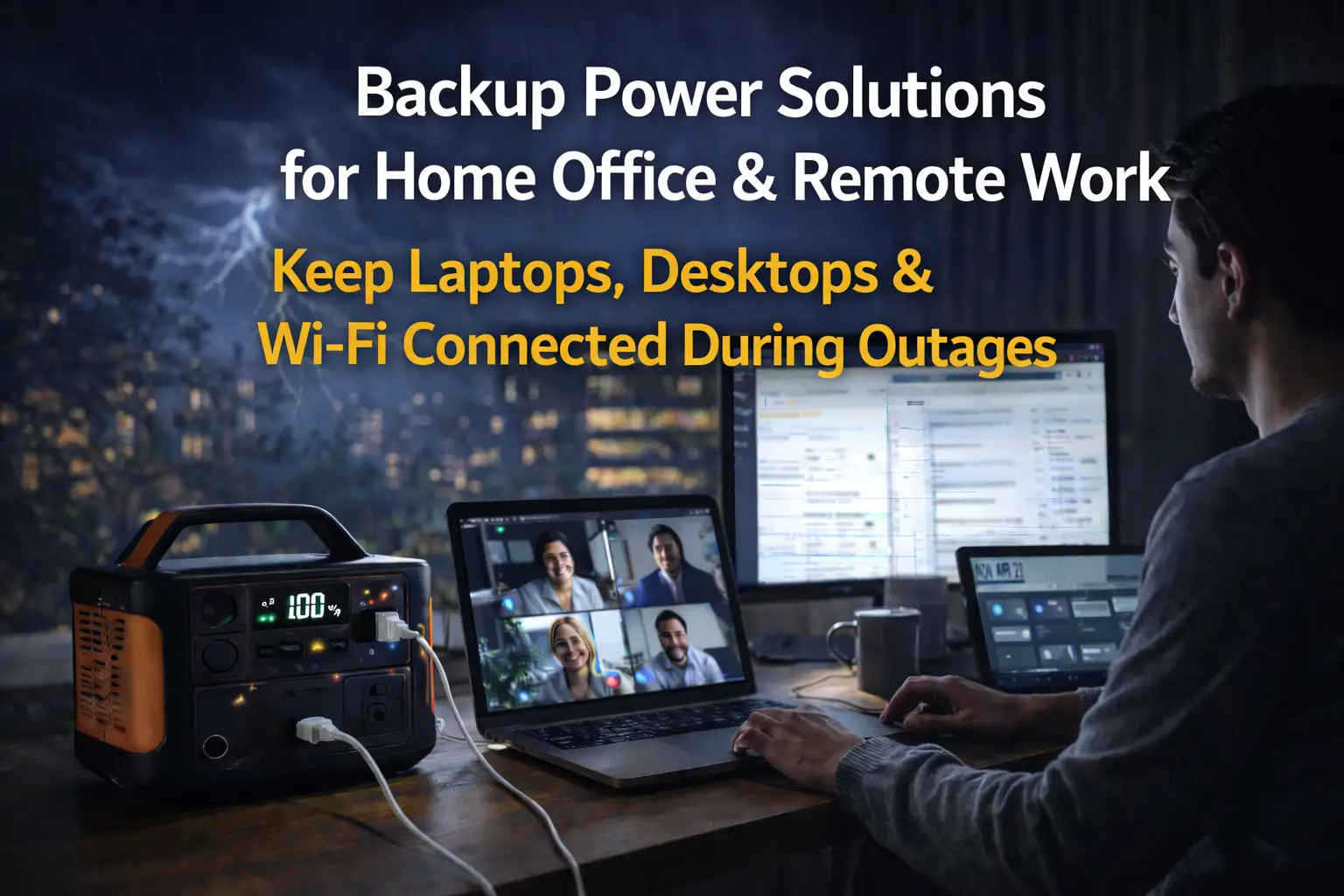
You’re in the middle of a video call with your team when the lights go out. Your desktop monitor turns off, your router and WiFi stop working, and you’re disconnected from the meeting with no way to rejoin or send a message.
Backup power for home office equipment keeps your router, modem, computer, and monitors running during a power outage—so you don’t lose meetings, unsaved work, or internet access when the grid goes down. This guide covers indoor-safe UPS and battery power stations that actually work for remote jobs—no generators, fumes, or guesswork. You’ll learn which equipment uses the most power, how long different backup options last, and common mistakes people make when setting up their systems.
We’ll show you realistic options for laptop-based setups, desktop workstations, and everything in between. The goal is to help you choose indoor-safe backup power that matches your needs and budget.
Why Home Offices Fail During Power Outages
When the power goes out, your home office stops working because you lose both electricity and internet connectivity. Even if your laptop has battery life, you can’t work without a powered router and modem—internet loss stops remote work instantly.
Power Loss vs Internet Loss (Why Work Stops Immediately)
Your devices need electricity, but your internet connection also depends on your router and modem staying powered.
Your laptop might have three hours of battery life, but your router and modem lose power immediately during an outage. This means you lose internet access within seconds, even though your laptop still works.
What immediately stops working during a home office power outage:
- Video calls and meetings
- Cloud-based applications
- Email and messaging
- File uploads and downloads
- VoIP phone systems
Most remote work tasks require constant internet access. You can’t just rely on your laptop battery during an outage.
The CyberPower CP1500PFCLCD keeps routers and modems running for 4–6 hours during an outage and uses pure sine wave output to protect sensitive networking equipment.
Why Laptop Batteries Alone Are Not Enough
Your laptop battery doesn’t power your router, modem, external monitor, or desk phone—which means you’ll lose internet long before your laptop dies.
Each of these devices needs its own backup power source.
A typical laptop battery lasts 2-4 hours under normal use. Video calls and multitasking drain your battery faster, sometimes lasting only 90 minutes during back-to-back meetings.
The Jackery Explorer 500 (518Wh) is ideal for laptop-based home offices, providing enough capacity to power your laptop while keeping your router and modem online for hours. It can charge your laptop 3-4 times and power your router and modem for 8-12 hours. This portable power station weighs 13 pounds and is safe for indoor use.
For desktop computers, the EcoFlow DELTA 2 meets higher power needs with 1024 watt-hours of capacity and 1800 watts of output. It runs desktop PCs, multiple monitors, and networking equipment for 2-4 hours depending on your system’s power draw.
How Much Power Home Office Equipment Uses
Home office equipment typically uses 50–400 watts, depending on whether you work on a laptop or a desktop workstation. Laptops draw much less power than desktop computers, so knowing these differences helps you choose the right backup solution.
Laptop-Based Home Offices (Laptop + Monitor + Router)
A typical laptop uses 30-65 watts during normal work. An external monitor adds 20-50 watts, depending on size and technology. Your router and modem together use about 10-20 watts.
The total power consumption for a laptop setup ranges from 60-135 watts. This makes laptop-based offices ideal for battery backup systems since they draw minimal power.
The Jackery Explorer 500 fits this setup with 518Wh of capacity and 500W output. You can run a laptop, monitor, and router for 4-8 hours, depending on your actual wattage. It’s safe for indoor use and handles the startup surge when you boot up your computer.
Desktop-Based Home Offices (PC + Monitor(s) + Router)
Desktop computers use more power than laptops. A typical desktop draws 100-250 watts, while gaming or workstation PCs can use 300-500 watts or more.
Add one or two monitors at 20-50 watts each, plus your router and modem at 10-20 watts. Most desktop setups use 150-400 watts in total.
The EcoFlow DELTA 2 supports these workloads with 1024Wh capacity and 1800W output. It powers desktop-based offices for 2-6 hours, depending on your equipment. Its higher wattage handles startup surges when your PC boots up, and it’s designed for indoor use.
For just monitors and networking equipment, the CyberPower CP1500PFCLCD offers a focused solution. It provides clean sine wave power to protect sensitive electronics and keeps your internet connection alive during outages.
What You Should NOT Try to Power (Printers, Space Heaters, Coffee Makers)
Laser printers draw 300-600 watts when printing and up to 1000 watts warming up. Space heaters use 1000-1500 watts constantly. Coffee makers pull 800-1200 watts during brewing.
These devices drain battery backup systems in minutes. A space heater empties most portable power stations in under an hour.
Focus your backup power only on essential work equipment—computer, monitor, and internet. Anything else wastes battery capacity. Keep your computer, monitors, and internet connection running. Skip the printer, heater, and coffee maker during outages. If you need to print, wait until power returns or use a print shop.
Backup Power Options for Home Offices
Most home offices need between 100 and 500 watts to keep working during an outage. Battery-powered solutions work best indoors because they’re quiet, safe, and don’t produce fumes.
UPS Systems for Short Power Outages (Minutes to Hours)
A UPS (uninterruptible power supply) protects your equipment from sudden power loss and gives you time to save your work. These devices sit between your wall outlet and your equipment, switching to battery power instantly when the electricity goes out.
The CyberPower CP1500PFCLCD is a reliable choice for basic home office setups. It provides 1000 watts of continuous power and handles up to 1500 watts during startup surges.
This UPS can run a router, modem, and one to two monitors for roughly 30–90 minutes, depending on total load. It won’t power a desktop computer and all peripherals for a full workday, but it gives you enough time to finish a video call or save important files.
UPS systems are best for short outages and safe shutdowns—not for working full days without grid power. They’re designed to keep low-wattage networking equipment running, not to replace your main power source for hours.
Battery Power Stations for Full Workdays
Battery power stations store more energy than UPS systems and keep your home office running for several hours or an entire workday. These portable units charge from a wall outlet and provide clean power indoors without noise or emissions.
The Jackery Explorer 500 works well for laptop-based offices. It stores 518 watt-hours and outputs 500 watts continuously.
You can power a laptop (50 watts), monitor (30 watts), router (10 watts), and modem (8 watts) for about 5 hours. This setup uses about 98 watts total, making it realistic for a half workday during an outage.
For desktop computers and heavier workloads, the EcoFlow DELTA 2 provides 1024 watt-hours and 1800 watts of output.
It handles desktop computers that pull 200 to 300 watts plus multiple monitors. A typical 250-watt desktop setup will run for about 3 to 4 hours on this station.
Battery power stations don’t provide instant switchover like a UPS. Your equipment will restart when you plug it in, so save your work frequently during outages.
Why Generators Are Usually Overkill for Home Offices
Generators produce enough power to run major appliances and whole-home systems. Most models start at 2000 watts and go much higher, which is far more than a home office needs.
Gas generators must run outdoors because they produce carbon monoxide. Running extension cords from your yard into your office creates trip hazards and limits where you can work. These units also cost $400 to $1000 or more and require fuel storage and regular maintenance.
Your home office probably uses 100 to 500 watts total. Running a generator at 5% to 25% of its capacity wastes fuel and causes faster wear. The noise makes video calls impossible even with the generator outside.
Generators only make sense if you’re powering your entire home—they’re unnecessary, loud, and impractical for home office backup power. For work-from-home scenarios where you just need your office equipment running, battery solutions are cheaper, quieter, and safer indoors.
Best Backup Power Options for Home Office Work
Different home office setups need different backup power solutions. A simple router and monitor setup requires much less capacity than a gaming PC with multiple screens.
Best UPS for Router, Modem, and Monitor (Internet First Priority)
The CyberPower CP1500PFCLCD works well for keeping your internet connection and a single monitor running during outages. This unit provides 1000 watts of continuous power and uses pure sine wave output to protect sensitive electronics.
Your router typically uses 5-15 watts, your modem uses 5-10 watts, and a standard LED monitor uses 20-40 watts. You can expect 3-4 hours of runtime for just networking equipment, or about 90 minutes if you add a 24-inch monitor.
The LCD screen shows remaining battery time and current power draw. The unit handles startup surges up to 1500 watts, which matters when your monitor first powers on. You can safely use it indoors since it produces no fumes and minimal noise.
Best Power Station for Laptop-Based Home Offices (Longest Runtime per Dollar)
The Jackery Explorer 500 offers 518 watt-hours of capacity, making it ideal for laptop users needing backup power. Most modern laptops draw 30-65 watts during typical work, so you get 6-10 hours of runtime from this station.
This portable station powers your laptop, charges your phone, and runs your router simultaneously. Its 500-watt continuous output easily handles laptop chargers. You can recharge it via a wall outlet, car charger, or solar panel.
The unit weighs 13.3 pounds and operates silently because it has no moving parts. You can fully recharge it from a wall outlet in about 7.5 hours.
Best Backup Power Setup for Desktop Computers (High Wattage Loads)
The EcoFlow DELTA 2 supports desktop computers that require more power than laptops. It provides 1024 watt-hours of capacity and 1800 watts of continuous output, with surge capacity up to 2700 watts during PC startup.
A typical desktop with monitor uses 200-400 watts during office work, providing 2-4 hours of backup time. Gaming PCs or workstations with powerful graphics cards draw 400-600 watts, reducing runtime to 1.5-2 hours.
The DELTA 2 recharges quickly, reaching 80% in one hour from a wall outlet. It powers multiple devices through six AC outlets, four USB ports, and one car outlet. The built-in display shows battery percentage and current power usage.
How Long You Can Keep Working During a Power Outage
Your work-from-home outage time depends on your equipment and backup system. Internet service often fails before your battery runs out, so connectivity usually limits your working time more than power capacity.
Realistic Runtime Examples Using the Recommended Products
The CyberPower CP1500PFCLCD keeps a router, modem, and LED monitor running for about 2-3 hours, assuming your monitor uses 25-30 watts and your network equipment draws 10-15 watts combined.
Pairing a laptop setup with the Jackery Explorer 500 gives you 4-6 hours of backup during an outage. A typical laptop charger uses 45-65 watts, so the 518Wh capacity supports several charge cycles. You can also power your router and modem from the same unit.
Desktop users need more capacity. The EcoFlow DELTA 2 runs a desktop computer using 150-200 watts for about 3-4 hours. Adding a 30-watt monitor and 15 watts for network gear reduces backup runtime to 2.5-3 hours.
These estimates assume continuous operation—real-world runtime is often longer if your equipment enters power-saving modes. Your actual runtime increases if your equipment enters power-saving modes or you are not actively using it the entire time.
Internet Provider and ISP Power Limitations
Your ISP’s local equipment often loses power during the same outage that affects your home. Most cable and fiber networks rely on powered nodes in your neighborhood. When those fail, you lose internet even if your modem remains powered.
DSL connections sometimes work longer because telephone lines carry their own power, but DSL speeds usually can’t support video calls or large file uploads.
Battery backup at home only helps if your ISP’s infrastructure stays online. Some providers have backup generators at key locations, but local distribution points rarely do. In many outages, your ISP—not your battery—becomes the limiting factor for remote work.
Common Home Office Backup Power Mistakes
Many people overspend on generators or buy batteries that can’t actually run their equipment. Others overlook the need to back up their internet connection.
Overspending on Generators
You don’t need a 7,000-watt generator for a home office. Most home offices use 300-800 watts during normal work hours.
A laptop, monitor, router, and modem together draw about 150-250 watts. Even a desktop computer setup typically needs only 400-600 watts. Buying a large gasoline generator for this creates problems.
Large generators cost $800-2,000 or more, are loud, produce exhaust fumes, and can’t run indoors safely. You’ll spend more on the unit and burn unnecessary fuel.
For laptop-based work, the Jackery Explorer 500 provides 518Wh of capacity and runs quietly indoors. It powers a laptop (50W), monitor (30W), router (10W), and modem (10W) for about 4-5 hours.
If you use a desktop computer, the EcoFlow DELTA 2 offers 1,024Wh capacity and 1,800W output. It powers a desktop PC (200-300W), two monitors (60W), and networking equipment through a 3-4 hour outage.
Undersizing Battery Capacity
Buying a battery that’s too small means you’ll lose power mid-workday. Calculate your actual wattage needs before purchasing.
Add up your devices. A gaming desktop draws 400-600W under load. Two 27-inch monitors use 50-70W combined. Your router needs 8-15W and your modem needs 5-10W.
If your total is 500W, a 500Wh battery lasts only one hour. Many people overlook conversion loss (typically 10-15%) and startup surges from monitors and computers.
The CyberPower CP1500PFCLCD provides 1,000Wh capacity with pure sine wave output. It’s designed for computer equipment and handles startup surges. This unit keeps a 300W workstation running for about 2.5-3 hours.
Multiply your total wattage by your desired runtime (in hours), then add 20–25% for conversion loss and startup surges.
Forgetting Router and Modem Backup
Your computer may stay on during an outage, but your internet drops if the router and modem lose power. This is a common home office backup mistake.
Video calls drop, cloud software stops syncing, and email stops working. You lose access to online tools and files.
A simple UPS for your networking equipment costs $100-150 and solves this problem. The CyberPower CP1500PFCLCD has eight battery-backed outlets. Plug your router, modem, and computer equipment into the battery outlets. Use the surge-only outlets for printers and desk lamps.
Check price on Amazon
Your router typically draws 8-12 watts. Your modem uses 5-8 watts. Together, they need only 15-20 watts. A low-wattage networking load (15–20W) can stay online for many hours on a UPS, but extended multi-day runtime requires a battery power station, not a traditional UPS.
Final Recommendation
The best backup power solution for your home office depends on what equipment you run, how long outages last, and how critical uninterrupted internet access is. Laptop users need less capacity than desktop users, and people in storm-prone areas should plan for longer runtimes.
Best Option by User Type: Laptop-Only Workers, Desktop Users, Long-Outage / Storm-Prone Areas
Laptop-Only Workers should choose the Jackery Explorer 500. This portable power station provides 518Wh capacity, enough to charge a laptop 5-7 times and power your router and modem for several hours during outages.
The unit handles typical laptop charging loads of 45-90W and is safe for indoor use since it produces no fumes.
Desktop Users need the EcoFlow DELTA 2. Desktop computers draw 200-400W continuously, and monitors add another 30-50W. The DELTA 2 offers 1024Wh capacity and handles startup surges up to 1900W.
You get 2-3 hours of runtime with a full desktop setup. Pair it with the CyberPower CP1500PFCLCD for your router and modem to keep internet running longer.
Long-Outage / Storm-Prone Areas require the EcoFlow DELTA 2 with optional solar panels. The base unit keeps essential equipment running for several hours. Adding 220W solar panels lets you recharge during multi-day outages when the sun is out.
Budget at least $1,200-1,500 for this work-from-home outage solution. The CyberPower unit should back up your network equipment separately, as it can run for 3-4 hours on a UPS.
Frequently Asked Questions
Choosing backup power depends on your equipment’s wattage, how long you need runtime, and whether you want a UPS or portable power station. Budget, safety features, and compatibility with your devices all play important roles in finding the right solution.
How do I choose the best battery backup for my home office equipment?
Add up the watts your equipment uses. Check the power rating on each device or look at the manual. For example, your router might use 20 watts, your monitor 40 watts, and your desktop computer 300 watts.
Add 20–30% extra capacity for startup surges and inverter efficiency losses. A desktop that uses 300 watts might need 400 watts available during startup.
Consider how long you need backup power. A UPS typically gives you 10-30 minutes to save work and shut down safely. A portable power station can run equipment for several hours, depending on its battery size.
What are the best UPS units for routers, modems, and home office equipment?
The CyberPower CP1500PFCLCD works well for routers, modems, and monitors. It provides 1000 watts of continuous power and uses pure sine wave output to protect sensitive electronics.
This UPS handles startup surges up to 1500 watts. You can expect 20-40 minutes of runtime for basic networking equipment and one monitor. The LCD screen shows battery level, load, and estimated runtime.
How do I calculate battery capacity for a home office power outage?
Multiply your total watts by the hours you need backup power. If you use 500 watts and need 4 hours, you need 2000 watt-hours of capacity.
Add 25% more capacity because batteries lose efficiency over time and in cold temperatures. Your 2000 watt-hour need becomes 2500 watt-hours with this buffer.
Most portable power stations list capacity in watt-hours. A 500Wh unit running 100 watts of equipment provides about 4-5 hours of actual runtime after accounting for conversion losses.
What are the most efficient home battery backup systems that don’t rely on solar power?
The Jackery Explorer 500 offers 518 watt-hours of capacity for laptop-based home offices. It weighs 13 pounds and operates safely indoors without producing fumes or needing ventilation.
This unit provides up to 500 watts of continuous power. You can run a laptop, monitor, router, and phone charger for 4-6 hours. Recharging from a wall outlet takes about 7 hours.
The EcoFlow DELTA 2 supplies 1024 watt-hours and supports desktop computers with heavier workloads. It delivers 1800 watts of continuous power and handles startup surges up to 2700 watts.
This power station can run a desktop setup with two monitors for 2-4 hours, depending on your load. Fast charging refills the battery to 80% in one hour. It includes multiple AC outlets, USB ports, and a car charging port.
What factors should I consider when looking for a UPS with an extended runtime of 8 hours or more?
Standard UPS units offer short-term protection, allowing you to save work and shut down equipment safely, but they don’t provide 8 hours of runtime.
For 8-hour runtime, choose a large portable power station. Add up your total wattage and multiply by 8 hours to find the minimum watt-hour capacity you need.
For example, a 200-watt load for 8 hours requires at least 1600 watt-hours. Add a 25% buffer for efficiency losses, so you need about 2000 watt-hours. The EcoFlow DELTA 2, with 1024 watt-hours, would power this load for about 4 hours.
Battery capacity increases weight and cost. A 2000 watt-hour power station weighs 40-60 pounds and costs $1500-2500.
What are the most reliable solutions for maintaining power during a home power outage?
Choose a solution that fits your needs. A UPS like the CyberPower CP1500PFCLCD protects against short outages and lets you shut down devices safely.
For longer outages, portable power stations offer more runtime. The Jackery Explorer 500 powers basic devices for several hours without fuel or ventilation.
The EcoFlow DELTA 2 runs heavier equipment and supports higher power demands throughout the day.
Charge your backup power regularly and test it every month. Batteries lose capacity if left discharged. Check connections and update firmware when new versions are available.